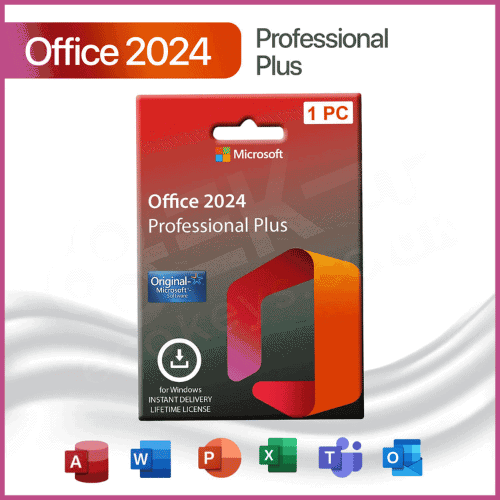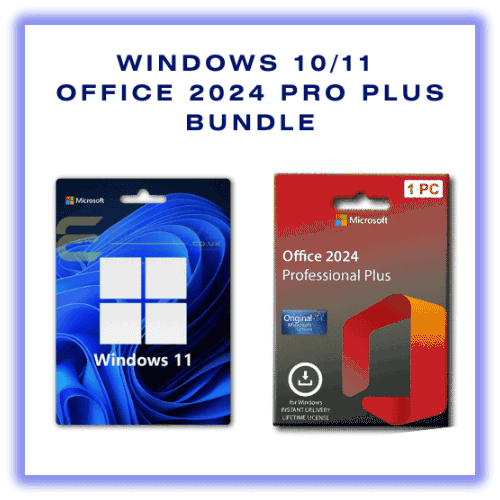


Buy a genuine Office 2024 Pro Plus + Project 2024 Professional + Visio 2024 Professional licence key bundle for Windows 10 and Windows 11.
This bundle gives you the full Office 2024 suite plus powerful tools for project management and advanced diagramming, in a single great-value package. It's ideal for businesses, professionals and students who want all three applications on one PC with a one-time purchase licence.
Your keys are delivered by email with a step-by-step installation guide and full support from EcoKeys.
Together these tools cover documents, spreadsheets, email, projects and diagrams – everything most users need on one PC.
 Key Licence Information
Note: Office 2024 products are not installed using setup.office.com. You'll receive a simple guided download and installation method authorised by Microsoft.
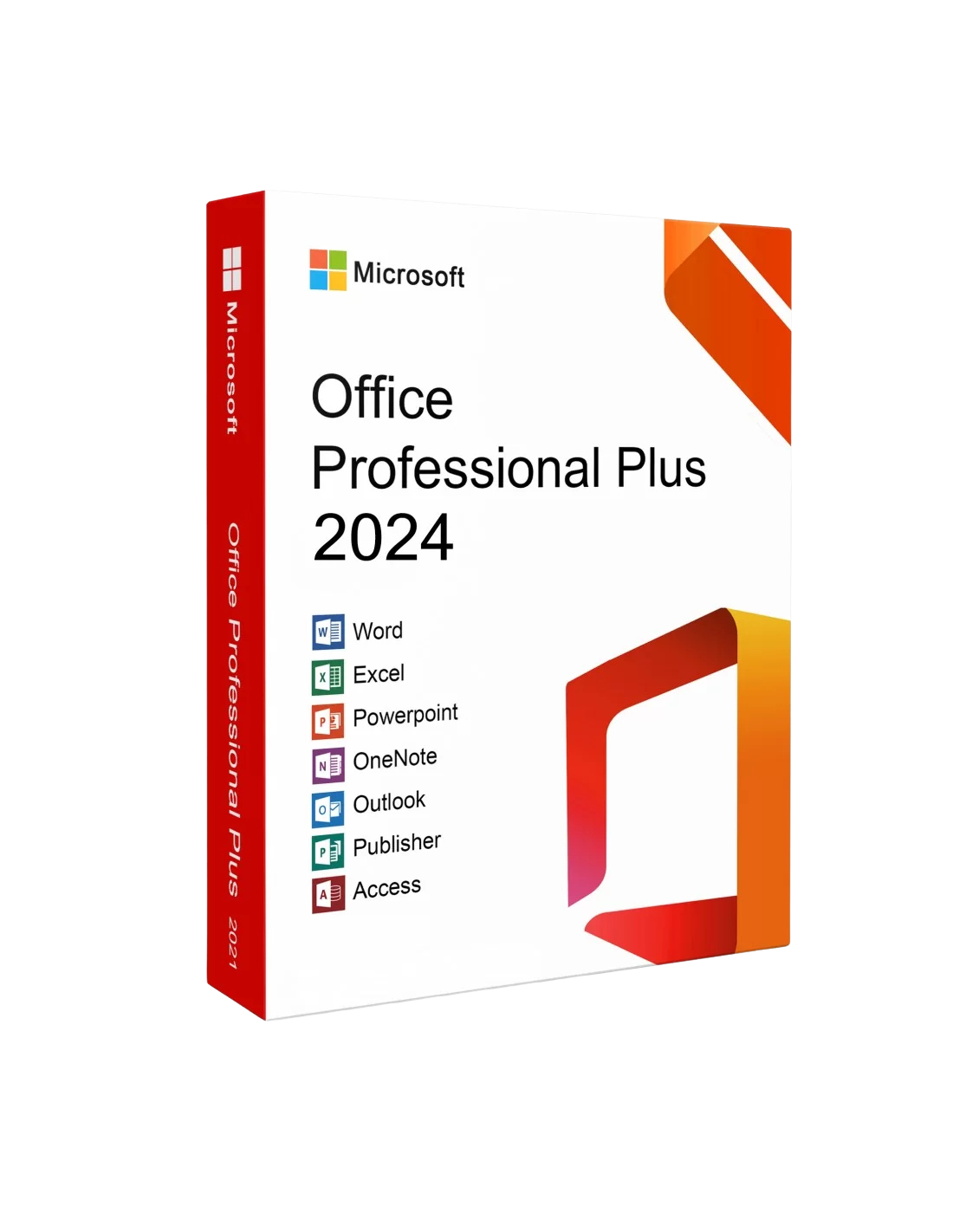 |
Microsoft Office 2024 – Next-Generation Productivity ToolsOffice 2024 introduces enhanced versions of its core applications, including Word, Excel, PowerPoint, and Outlook. With AI-powered features, users benefit from intelligent suggestions, streamlined formatting, and advanced tools that boost productivity. Cloud integration ensures files update seamlessly across devices. |
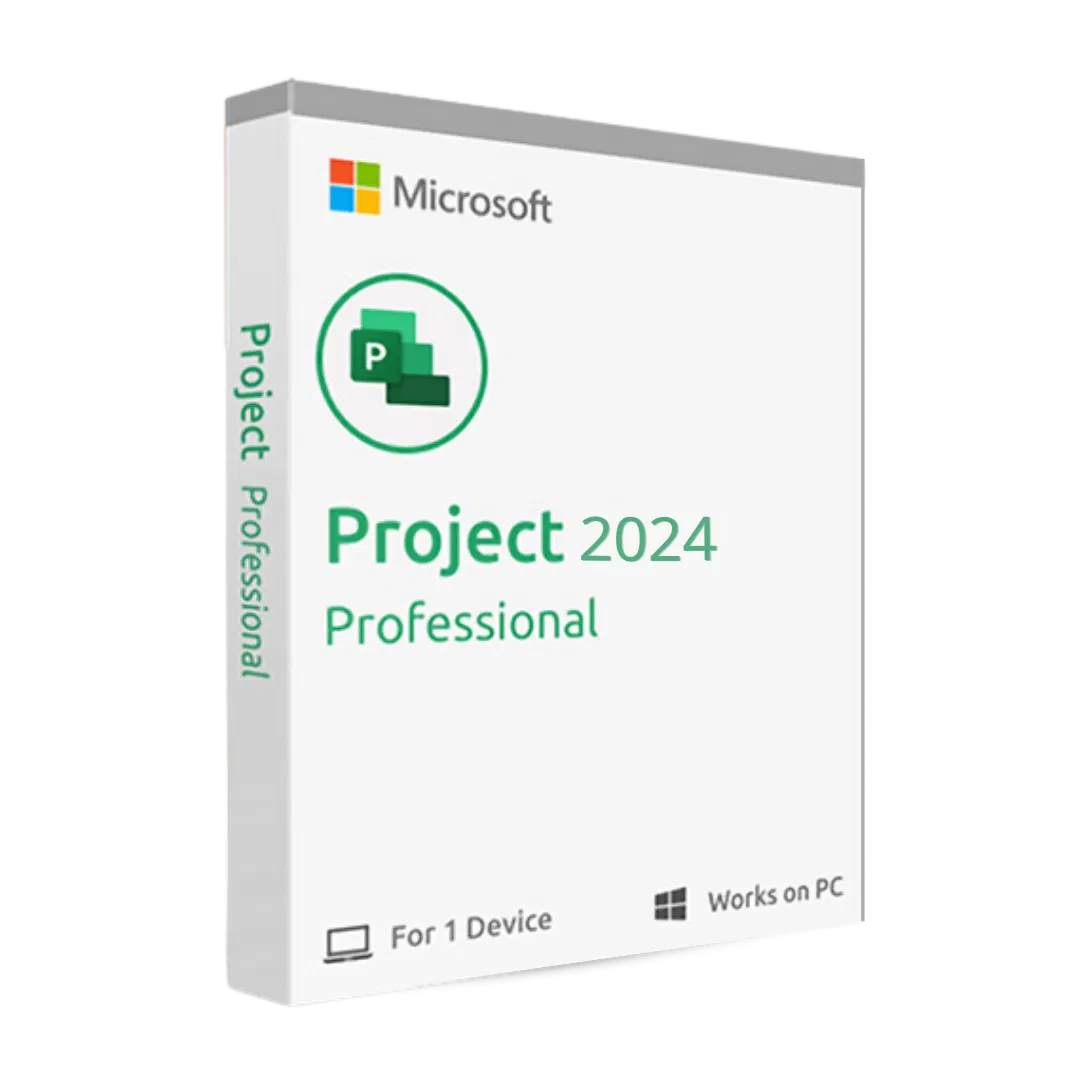 |
Project Pro 2024 – Cutting-Edge Project ManagementProject Pro 2024 provides comprehensive tools for managing complex projects. Create and manage tasks with Gantt charts, prioritise activities, and allocate resources efficiently. Connected with Microsoft Teams & Microsoft 365 for aligned collaboration. |
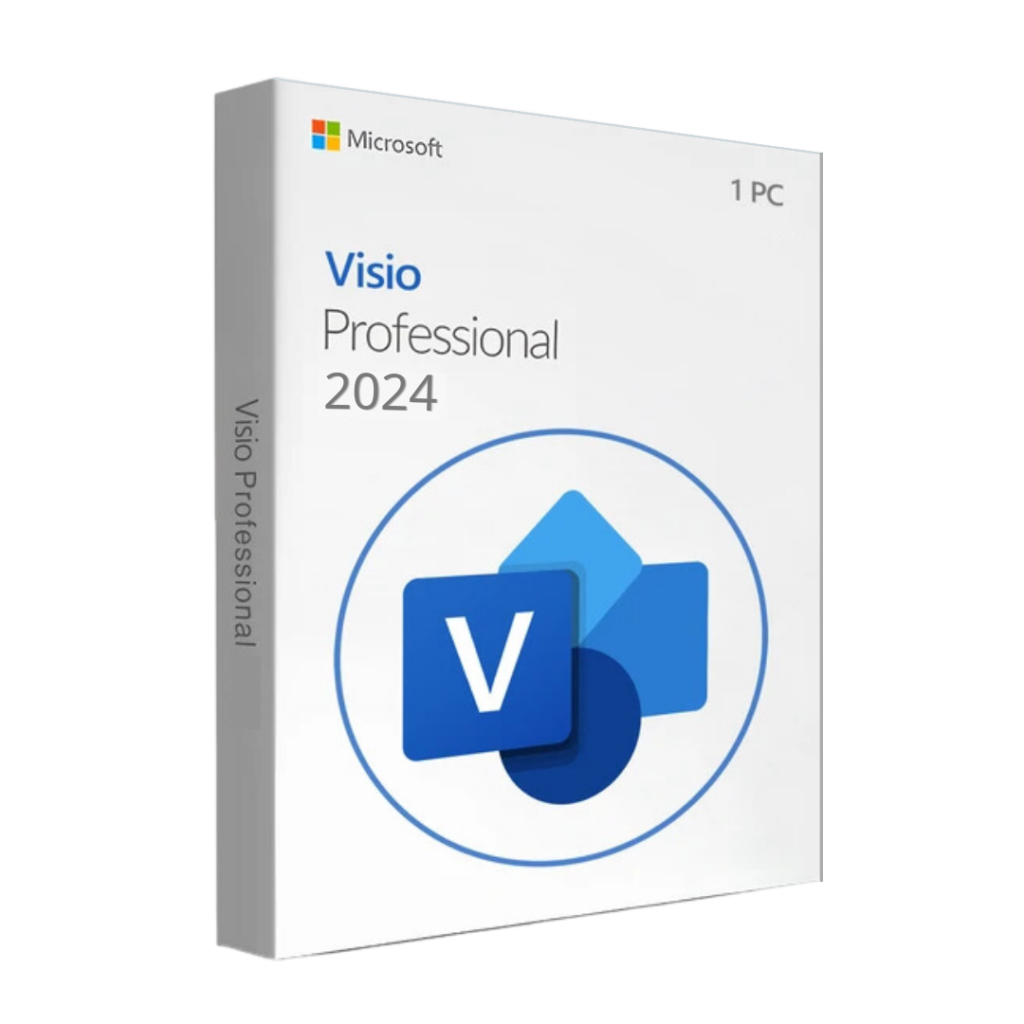 |
Visio Pro 2024 – Advanced Diagramming for ProfessionalsVisio Pro 2024 enables creation of professional diagrams—network schematics, organisational charts, flowcharts, and more. Supports data linking to Excel & SQL for dynamic visualisation. |
Perfect for consultants, engineers, architects, IT professionals, PMO teams, business owners and students who need all three apps.
 System Requirements
Installing your Office 2024, Project 2024 and Visio 2024 bundle is straightforward, even for non-technical users.
After purchase, you will receive:
Your Office 2024 Pro Plus, Project 2024 Pro and Visio 2024 Pro product keys
A secure download link for the installer
A step-by-step installation guide with screenshots
Access to EcoKeys support if you need help
Summary of the process:
Remove any old versions of Office/Visio/Project if installed (instructions provided).
Download the installer using the secure link in your email.
Run the installer and follow the on-screen steps.
Enter your product keys when prompted to activate each product.
Most customers complete installation and activation within 15–30 minutes, depending on PC speed and broadband connection.
All licences are sourced through authorised Microsoft distribution channels and activate online with Microsoft.
Is this a subscription?
No. This bundle is a one-time purchase. You pay once and keep the licences for the lifetime of the PC.
How many PCs can I use this on?
This bundle is for 1 Windows PC. The licences are linked to that device after activation.
Can I use it on Windows 11?
Yes. The licences are fully compatible with Windows 10 and Windows 11.
Can I download from setup.office.com?
No. Office 2024, Project 2024 and Visio 2024 LTSC products are not installed via setup.office.com.
You’ll receive an official alternative install method using Microsoft-approved tools, with a clear guide included.
Need Help?, Visit Our Help Center

We Provide Instant Download links to your email after purchase

Get FREE Support on all orders, we provide support on all products supplied

7 Days Money Back Guarantee, if we cannot provide a solution to your problem you are guaranteed a full refund.

All Payments made on our website are secured , we do not save any credit card information.