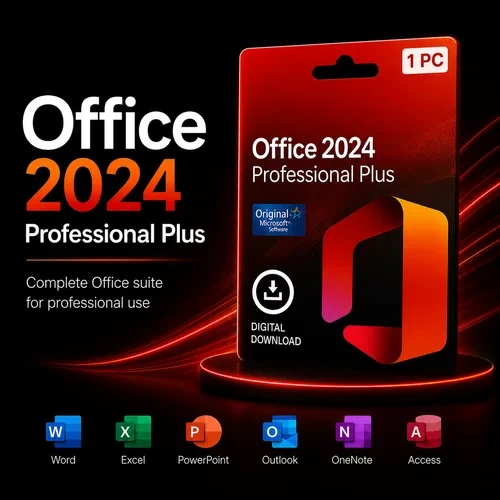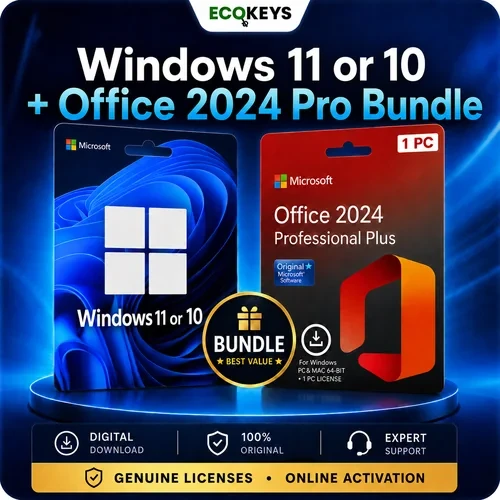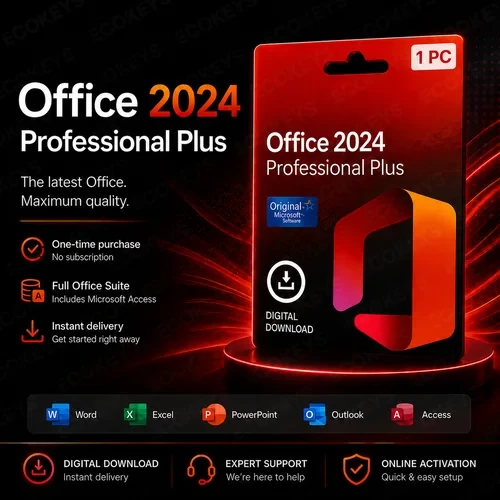





This is a digital product and no physical media will be sent. After purchase, you will receive your Office 2024 Professional Plus product key, Microsoft download instructions and clear installation and activation guidance by email. This Windows-only product cannot be installed on a Mac.
Buy Microsoft Office 2024 Professional Plus for one compatible Windows PC. This one-time-purchase edition includes Word, Excel, PowerPoint, Outlook, Access and OneNote 2024, with digital delivery, clear installation guidance and responsive UK-based support.
Important installation information: This product cannot be installed or redeemed through setup.office.com. Office 2024 Professional Plus uses a different Microsoft installation method, and full step-by-step instructions are supplied by email after purchase.
This is a digital product – no physical item will be shipped. After purchase, your Office 2024 Professional Plus product key, Microsoft download instructions and full installation guidance will be sent to the email address used at checkout.

Create, edit and format letters, reports, documents and professional layouts using the classic Word desktop application.

Build spreadsheets, analyse information and present data with formulas, tables, charts and updated Excel tools.

Create and deliver presentations using modern layouts, recording tools, transitions and visual content options.

Manage email, calendars, contacts and tasks using the Outlook desktop application.

Create and manage desktop databases, forms, queries and reports. Access is the main application that separates Professional Plus from Office 2024 Standard.
Collect notes, images and ideas in digital notebooks organised into sections and pages.
| Feature | Office 2024 Professional Plus | Office 2024 Standard |
|---|---|---|
| Word, Excel and PowerPoint | Included | Included |
| Outlook | Included | Included |
| OneNote | Included | Included |
| Access | Included | Not included |
| Publisher | Not included | Not included |
| Purchase type | One-time purchase | One-time purchase |
| Windows PCs | 1 PC | 1 PC |
| Best suited to | Users who want the broader Office 2024 application set, including Microsoft Access | Users who are certain Microsoft Access is not required |
Which edition should you choose? Office 2024 Professional Plus is the more complete edition because it includes Microsoft Access alongside Word, Excel, PowerPoint, Outlook and OneNote. If you are unsure whether Access is required, check the applications and database files you currently use before choosing an edition. Read our full Office 2024 Professional Plus vs Standard comparison ›
Windows 10 notice: Microsoft ended standard support for ordinary Windows 10 editions on 14 October 2025. Check that the Windows installation is supported and compatible before purchasing. Windows 11 is recommended for most new installations.
Installation time depends on the computer and internet connection. Most straightforward installations are completed within approximately 15–30 minutes, although slower systems or existing Office conflicts can take longer.
| Feature | Office 2024 Professional Plus | Microsoft 365 |
|---|---|---|
| Payment model | One-time purchase | Monthly or annual subscription |
| Number of Windows PCs | 1 compatible PC | Depends on the subscription plan |
| Core desktop applications | Included | Included with qualifying plans |
| Microsoft Access | Included | Included with qualifying Windows plans |
| Ongoing new features | Fixed Office 2024 feature set | Continuous updates with qualifying plans |
| Cloud storage and connected services | Not included as a subscription benefit | Depends on the plan |
Office 2024 Professional Plus suits customers who want the classic desktop Office applications on one main Windows PC without an ongoing subscription. Microsoft 365 may be more suitable when cloud storage, multiple devices or continuously added features are important.
No. It is a one-time purchase for one compatible Windows PC. There are no monthly or annual Microsoft 365 subscription charges, but future major Office versions are not included.
Office 2024 Professional Plus includes Word, Excel, PowerPoint, Outlook, Access and OneNote 2024. Publisher, Project and Visio are not included.
Yes. Microsoft Access 2024 is included. This is the main application difference between Office 2024 Professional Plus and Office 2024 Standard.
No. The licence supplied with this product is for activation on one compatible Windows PC only.
Yes. Windows 11 is the recommended operating system for this product, subject to the remaining system requirements.
Installation may be possible on a compatible Windows 10 system, but Microsoft ended standard support for ordinary Windows 10 editions in October 2025. Windows 11 is recommended for the best currently supported experience.
No. This product is for compatible Windows PCs. Do not purchase it for macOS, Chromebook, iPad, Android or Linux devices.
No. Office 2024 Professional Plus is installed using the Microsoft installation files and the step-by-step method supplied with your order rather than the consumer setup.office.com redemption process.
We recommend removing existing Office versions and Microsoft 365 trials before installation. Multiple Office installations can conflict, open the wrong edition or prevent activation from completing correctly.
The product key, download instructions and installation guidance are delivered digitally to the email address used at checkout. No physical package is posted.
Your product key and installation instructions are sent digitally after payment has completed. Check the inbox and junk or spam folders of the email address used at checkout.
Follow the supplied instructions and contact EcoKeys support with your order number and the exact error message. The product is covered by the stated 28-day activation guarantee where activation cannot be completed with our support.
Microsoft, Windows, Word, Excel, PowerPoint, Outlook, OneNote and Access are trademarks of the Microsoft group of companies. EcoKeys is an independent reseller and is not affiliated with Microsoft.
Need Help? Visit Our Help Centre

Instant Digital Delivery – Download links and order information are sent by email after payment has been confirmed.

12-Month Support Warranty – Installation, activation, reinstallation and eligible reactivation support is included for 12 months from purchase.

28-Day Activation Guarantee – Activation protection for eligible issues reported within 28 days of purchase.

Clear Payment Instructions – Payment options and instructions are provided separately after checkout.