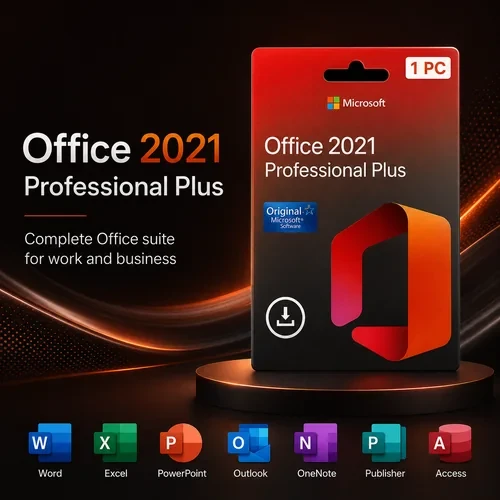




This is a digital product – no physical item will be shipped. After purchase, your Office 2021 Professional Plus key, download instructions and installation guidance will be sent to the email address used at checkout.
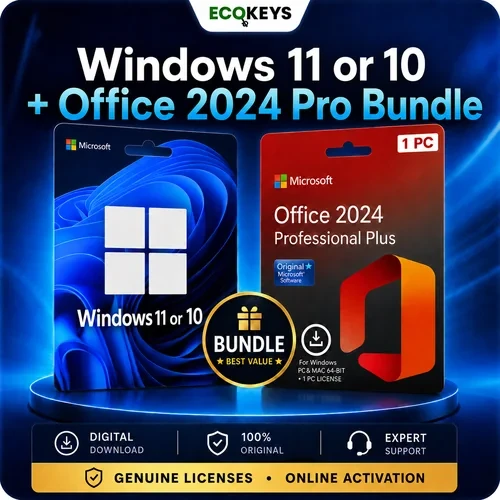
Looking for the latest version? For a longer supported lifespan, view Office 2024 Professional Plus.
Buy Microsoft Office 2021 Professional Plus as a one-time purchase for one Windows PC. Your digital order includes a 25-character product key, Microsoft download and redemption instructions, online activation guidance and UK-based support.
Microsoft support for Office 2021 ends on 13 October 2026. The applications should continue to open after that date, but Microsoft will no longer provide security updates, bug fixes or technical support.
For most new purchases, we recommend Office 2024 Professional Plus because it provides a longer supported lifespan. Choose Office 2021 when you specifically need the 2021 release, Publisher 2021 or compatibility with an existing Office 2021 environment.
Digital product: no disc, USB drive or physical package will be posted. Your product information is delivered to the email address used at checkout.

Create and edit documents, reports, letters and professional layouts using the familiar desktop version of Word.

Analyse and organise data with functions including XLOOKUP, XMATCH, LET, FILTER, SORT, UNIQUE and dynamic arrays.

Create presentations with improved recording tools, ink replay and features for arranging slide content.

Manage email, calendars, contacts and tasks from the Outlook desktop application.

Create and manage desktop databases, forms, reports and linked data. Access is available for Windows only.

Design flyers, brochures, labels and other print-focused publications. Publisher is available for Windows only.
Collect notes, images and ideas in digital notebooks that can be organised into sections and pages.
Not included: Microsoft 365 subscription benefits, ongoing feature upgrades, cloud storage plans, Project, Visio or a Windows licence. Microsoft Teams is available separately from Microsoft.
| Feature | Office 2021 Professional Plus | Office 2024 Professional Plus |
|---|---|---|
| Purchase type | One-time purchase | One-time purchase |
| Windows PCs | 1 PC | 1 PC |
| Word, Excel, PowerPoint and Outlook | Included | Included |
| Access | Included | Included |
| Publisher | Included | Not included |
| Microsoft support lifecycle | Ends 13 October 2026 | Longer supported lifespan |
| Best choice for | Customers who specifically require Office 2021 or Publisher | Most customers making a new purchase |
Our recommendation: buy Office 2024 Professional Plus unless you specifically need Office 2021 or Publisher. Customers who do not need Access can also compare Office 2024 Standard.
Windows 10 notice: Microsoft ended standard support for Windows 10 on 14 October 2025. Office may install on supported Windows 10 configurations, but Windows 11 is the recommended current operating system for ongoing security and reliability.
Need Windows 11 for the computer? Browse our Microsoft Windows product keys.
Installation time depends on the computer and internet connection. Do not purchase again if the email does not appear immediately; check the spam or junk folder and contact support using the email address attached to the order.
Yes. It is supplied as a one-time purchase for one Windows PC and does not require a monthly Microsoft 365 subscription. Future Office versions are not included.
Microsoft support ends on 13 October 2026. The applications should continue to work afterwards, but Microsoft will no longer provide security updates, bug fixes or technical support for Office 2021.
Office 2024 is the better choice for most new customers because it has a longer supported lifespan. Office 2021 remains useful when you specifically need the 2021 release or Microsoft Publisher, which is not included in Office 2024 Professional Plus.
Yes. This product includes both Publisher 2021 and Access 2021, as well as Word, Excel, PowerPoint, Outlook and OneNote. Publisher and Access are Windows-only applications.
No. Office 2021 Professional Plus is for Windows PCs. Do not purchase it for macOS, Chromebook, iPad or Android devices.
No Teams licence is included with this product. Microsoft Teams can be downloaded separately and used with an appropriate free or paid Teams account.
We recommend removing existing Office installations and Microsoft 365 trials before installing. Multiple Office versions can conflict, open the wrong application by default or prevent activation from completing correctly.
This is a digital product. The key, download information and instructions are sent to the email address used at checkout. Nothing is posted.
Follow the supplied instructions carefully and contact EcoKeys support with the exact error message. The product is covered by the stated 28-day activation guarantee where activation cannot be completed with our support.
Microsoft, Windows, Word, Excel, PowerPoint, Outlook, Access, Publisher and OneNote are trademarks of the Microsoft group of companies. EcoKeys is an independent reseller and is not affiliated with Microsoft.
Need Help? Visit Our Help Centre

Fast Digital Delivery – Product keys, download guidance and order information are normally sent by email within 5 minutes after payment confirmation.

12-Month Support Warranty – Installation, activation, reinstallation and eligible reactivation support is included for 12 months from purchase.

28-Day Activation Guarantee – Activation protection for eligible issues reported within 28 days of purchase.

Clear Payment Instructions – Payment options and instructions are provided separately after checkout.