Windows 11 Pro Key for Parallels Mac: Licence Guide
Which Windows 11 Licence Do You Need for Parallels on a Mac?
By Adam Smart, Ecokeys Support Engineer — 25 July 2026
If you've just installed Parallels and got as far as the Windows setup screen, you've probably hit the same question everyone does at this point: which Windows licence do you actually need, and will the key you're about to buy even work? Between Intel and Apple silicon Macs, x64 and ARM builds, and the fact that "Pro" is confusingly the name of both a Parallels tier and a Windows edition, it's an easy thing to get wrong before you've spent a penny. Here's what's actually true.
Does Parallels include Windows 11?
No. Parallels Desktop is the virtualisation software that lets Windows run on your Mac — it is not a Windows licence, and buying any tier of Parallels, including Parallels Desktop Pro, does not include one. You'll be prompted to buy or enter a Windows product key separately during setup, and until you do, Windows will run in a limited, watermarked, unactivated state.
This is worth stating plainly because the naming genuinely trips people up: Parallels Desktop Pro is a tier of the Parallels application. Windows 11 Pro is a completely separate Microsoft operating system edition. Owning one tells you nothing about whether you own the other.
If you already know you need a genuine key, our Windows 11 Professional licence includes the official Microsoft download link, a genuine product key, and instructions for creating installation media — everything needed to install and activate inside a Parallels VM.
Still deciding which Windows edition you need? Our Windows Licence Finder includes a Mac and virtual-machine route to help you check the Windows side of your setup before buying.
Do I need Windows 11 Home or Pro?
Parallels' own documentation for running Windows on Apple silicon Macs is built specifically around Windows 11 Pro and Enterprise — those are the editions it officially supports and tests against for the Arm-based installation on M-series chips. In practice, this means Pro is the safer, more predictable choice if you're setting up Windows in Parallels on a Mac with an M1, M2, M3, M4 or M5 chip.
Pro also gives you a few things that are genuinely useful inside a VM specifically — BitLocker for encrypting the virtual disk, Hyper-V/virtualisation-related tooling if you ever need nested setups, and Remote Desktop hosting if you want to reach the VM from another device. None of that is available on Home.
Do I need a special "Windows 11 ARM" product key?
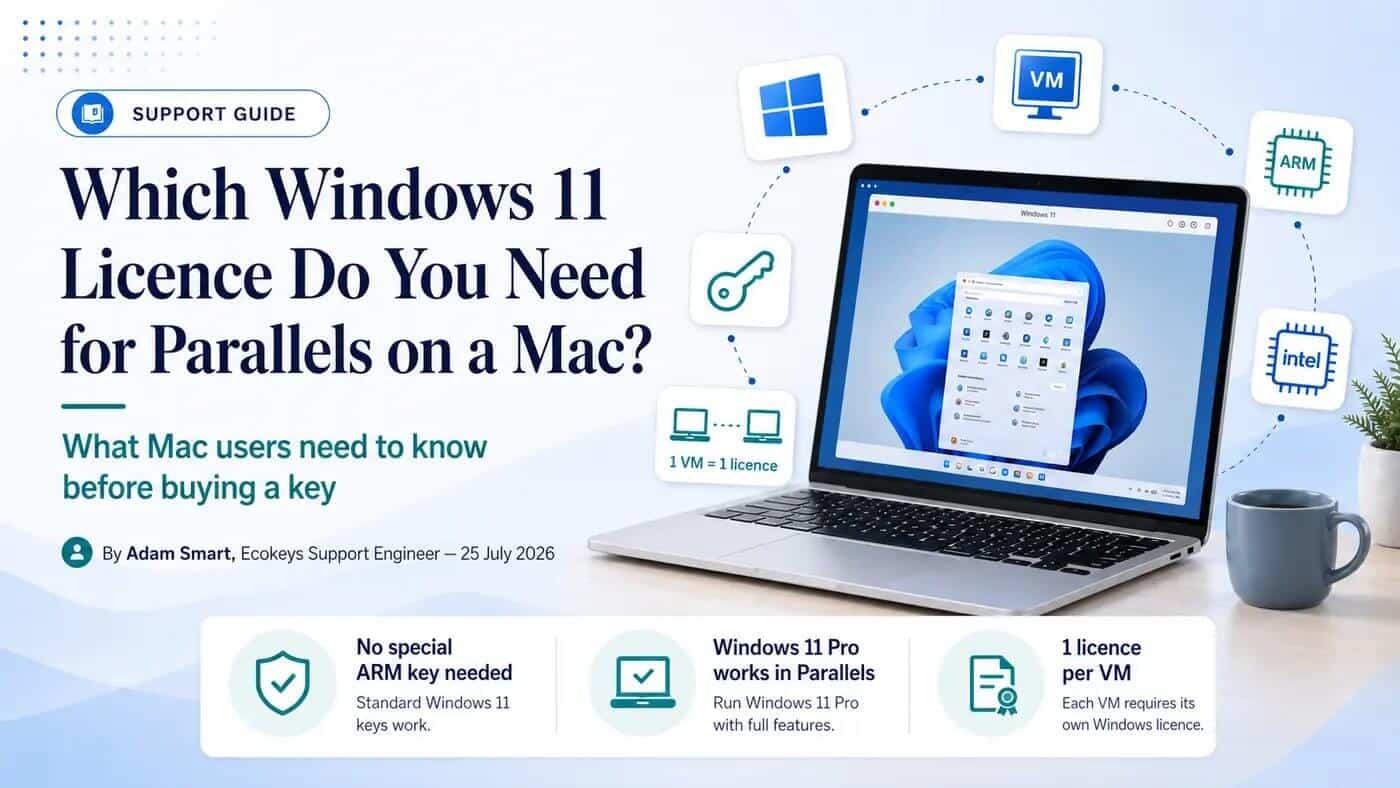
No — and this is the single most common misunderstanding we see. There is no separate ARM-specific Windows 11 Pro product key. Microsoft licenses Windows by edition (Home, Pro, Enterprise), not by processor architecture. Parallels' own support documentation confirms this directly: Windows 11 Pro product keys are platform-agnostic between x64 and Arm. A genuine Windows 11 Pro key will activate the Arm edition that Parallels installs on Apple silicon just as validly as it activates a standard x64 installation on an Intel Mac or PC.
What differs between Intel and Apple silicon Macs is the installation image — Apple silicon needs the Arm build of Windows 11, which Parallels handles automatically during setup — not the key you activate it with. If you've been holding off buying a key because you're worried a "normal" Windows 11 Pro key won't work on your M-series Mac, that concern doesn't hold up against Parallels' own documentation. It will work, provided the edition installed matches the edition of the key.
Intel Mac vs Apple silicon: what actually changes
If your Mac has an Intel processor, Parallels installs the standard x64 build of Windows 11 — identical to what runs on a normal Windows PC. If your Mac has an Apple M-series chip (M1 through M5), Parallels automatically installs the Arm build instead, since Apple silicon can't run x64 Windows natively. You don't need to choose this yourself; Parallels detects your Mac's processor and selects the correct image. The only thing to be aware of is that the Arm build, while running Windows 11 Pro perfectly well, uses Microsoft's Prism translation layer to run older x86/x64 Windows applications — which covers the vast majority of software, but not everything (more on that below).
How many Windows licences do you actually need?
This is the part people most often get wrong, and it can catch you out if you're not careful. A Windows licence covers one installation — physical or virtual — not one person or one Mac in general. In practice:
- One Mac running one Windows VM in Parallels: one Windows licence
- One Mac running two separate Windows VMs: two licences, one per VM
- An existing Windows PC, plus a separate Parallels VM you also use: two licences — your existing PC's licence doesn't extend to the VM
Deleting and rebuilding the same VM from scratch can sometimes trigger Windows' activation troubleshooter, since the virtual hardware identity changes — this is normal and usually resolved in a couple of clicks (covered below), not a sign you need to buy again.
Installing Windows 11 in Parallels
The process is largely automated, but broadly:
- Open Parallels and choose to install Windows — on Apple silicon it will fetch the correct Arm image automatically; on Intel Macs you may need to point it to a Windows 11 ISO
- Let Parallels create the virtual machine and begin installation
- When prompted for a product key during setup, enter your genuine Windows 11 Pro key — this both selects the correct edition and activates it in one step
- If you're not prompted during setup, you can skip that step and activate afterwards (see below)
- Let Windows finish installing and run its first round of updates
- Install Parallels Tools from within the VM for full display, sound and shared-folder integration
Activating your key after installation
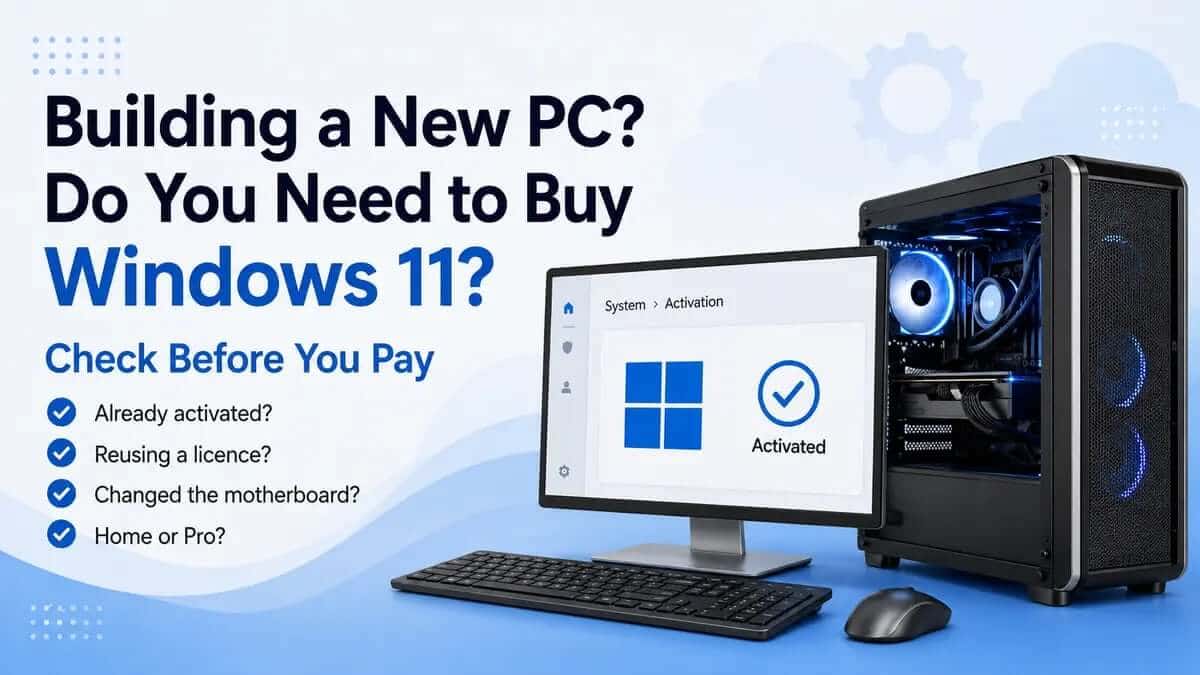
If Windows installed without asking for a key, or you want to double-check your activation status, go to Settings > System > Activation inside the Windows VM. You'll see either a confirmation that Windows is activated, or an option to change the product key. Enter your key there if it wasn't requested during setup.
"I bought Pro, but Parallels installed Windows 11 Home"
This is one of the most common support questions we get, and it's rarely explained clearly anywhere. If your Pro key is being rejected, the first thing to check — before assuming the key itself is faulty — is which edition is actually installed. Go to Settings > System > About and look under Windows specifications.
If it says Windows 11 Home, that's the problem: a Pro key cannot activate a Home installation directly, because the key is tied to the edition, not just the copy of Windows. You'll need to change the installed edition to Pro first — Settings > System > Activation > Change product key — and enter your genuine Pro key there.
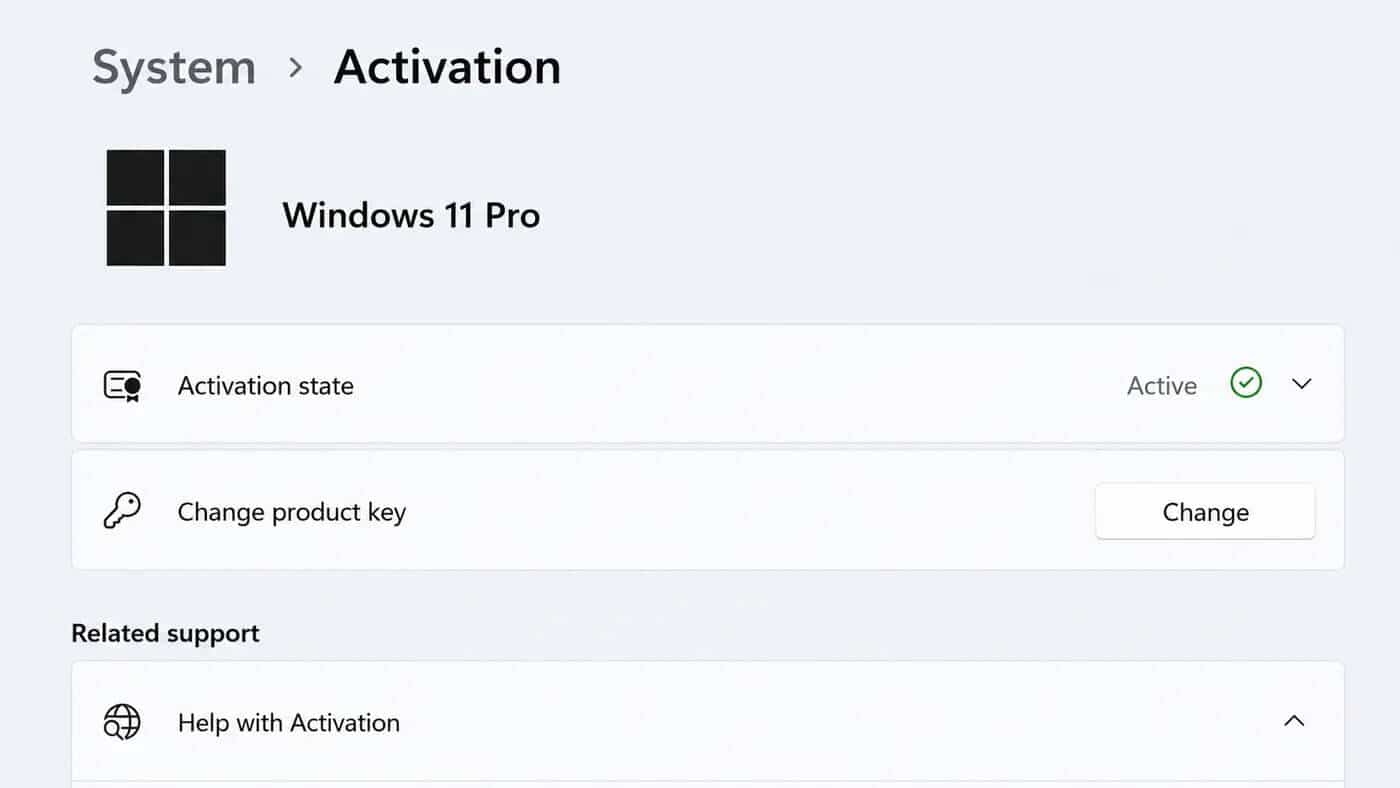
Windows will switch the edition and activate in the same step, without needing to reinstall or losing anything inside the VM. Restart once it's done before assuming anything is still wrong.
If you'd genuinely rather stay on Home instead of switching to Pro, that's a valid choice too — just make sure the key you're using matches. We also sell a Windows 11 Home licence for exactly that scenario, though bear in mind Parallels' official Apple-silicon support documentation is built around Pro and Enterprise, so Home is the less-tested path specifically for M-series Macs.
Why won't my Windows 11 Pro key activate in Parallels?
In rough order of how often we see each cause:
- Edition mismatch — by far the most common cause; see above
- Key already activated elsewhere — each key covers one installation; if it's already active on another PC or VM, it needs deactivating there first, or you need a separate key
- Mistyped key — worth double-checking character by character, particularly 0/O and 1/I
- No internet connection, or incorrect date/time in the VM, which can cause activation servers to reject an otherwise valid request
- Microsoft's activation servers temporarily unavailable — rare, but worth simply retrying later
- A moved or cloned VM — if you've copied the VM to a new Mac or substantially changed its virtual hardware, Windows may flag this as a hardware change; Settings > System > Activation > Troubleshoot > "I changed hardware on this device recently" resolves this for a genuine, previously activated licence
You may also see specific error codes — 0xC004F050 ("the product key you entered didn't work") almost always means an edition mismatch rather than a bad key, and 0xC004F213 typically relates to how many times a key has already been activated. Neither means the key itself is faulty in most genuine-key cases; both are usually resolved by checking the edition and activation history rather than buying a replacement.
Will every Windows application work on an Apple silicon Mac?
This is worth separating clearly from the licensing question, because it's a different thing entirely. A genuine Windows 11 Pro key activating successfully tells you the licence is valid — it says nothing about whether every individual Windows program will run well on the Arm edition. Most everyday software, including the vast majority of business and productivity applications, runs fine through Microsoft's translation layer. Where people occasionally hit friction: older hardware drivers, specialist USB peripherals, kernel-level security or anti-cheat software, some older games, and applications built for processor instructions the Arm translation layer doesn't cover. If you're planning to run something specialist or older, it's worth a quick check of that specific application's Arm/Parallels compatibility before you commit — that's a software compatibility question, separate from anything a Windows licence can fix.
What you get when you buy from Ecokeys
To be upfront about exactly what you're purchasing: our Windows 11 Professional licence includes the official Microsoft download link, a genuine product key, and clear instructions for creating installation media and completing setup. Parallels Desktop itself is sold separately by Parallels — we supply the Windows side only. One licence covers one Windows installation, whether that's a physical PC or a single VM in Parallels, in line with Microsoft's standard licensing terms.
Frequently asked questions
Does Windows come free with Parallels?
No. Parallels provides the software to run Windows, but a Windows licence has to be bought separately, either from Microsoft directly or from an authorised reseller.
Can I use my existing Windows 11 key from an old PC?
Only if it isn't currently active on that PC, or if it's a licence type that permits reassignment. Using the same key simultaneously on two active installations isn't permitted under Microsoft's licensing terms.
Does a Windows 11 Pro key work on ARM?
Yes. Windows 11 Pro keys are platform-agnostic and work on both the standard x64 build and the Arm build Parallels installs on Apple silicon Macs, provided the installed edition matches the key.
Will Windows 11 Pro work on an M1, M2, M3, M4 or M5 Mac?
Yes — Parallels Desktop is Microsoft's authorised solution for running Windows 11 Pro and Enterprise on Apple silicon, across all current M-series generations.
Why did Parallels install Windows 11 Home instead of Pro?
If a product key wasn't entered at the point of installation, Windows can default to Home. Check the installed edition under Settings > System > About, and switch it to Pro via Settings > System > Activation > Change product key if needed.
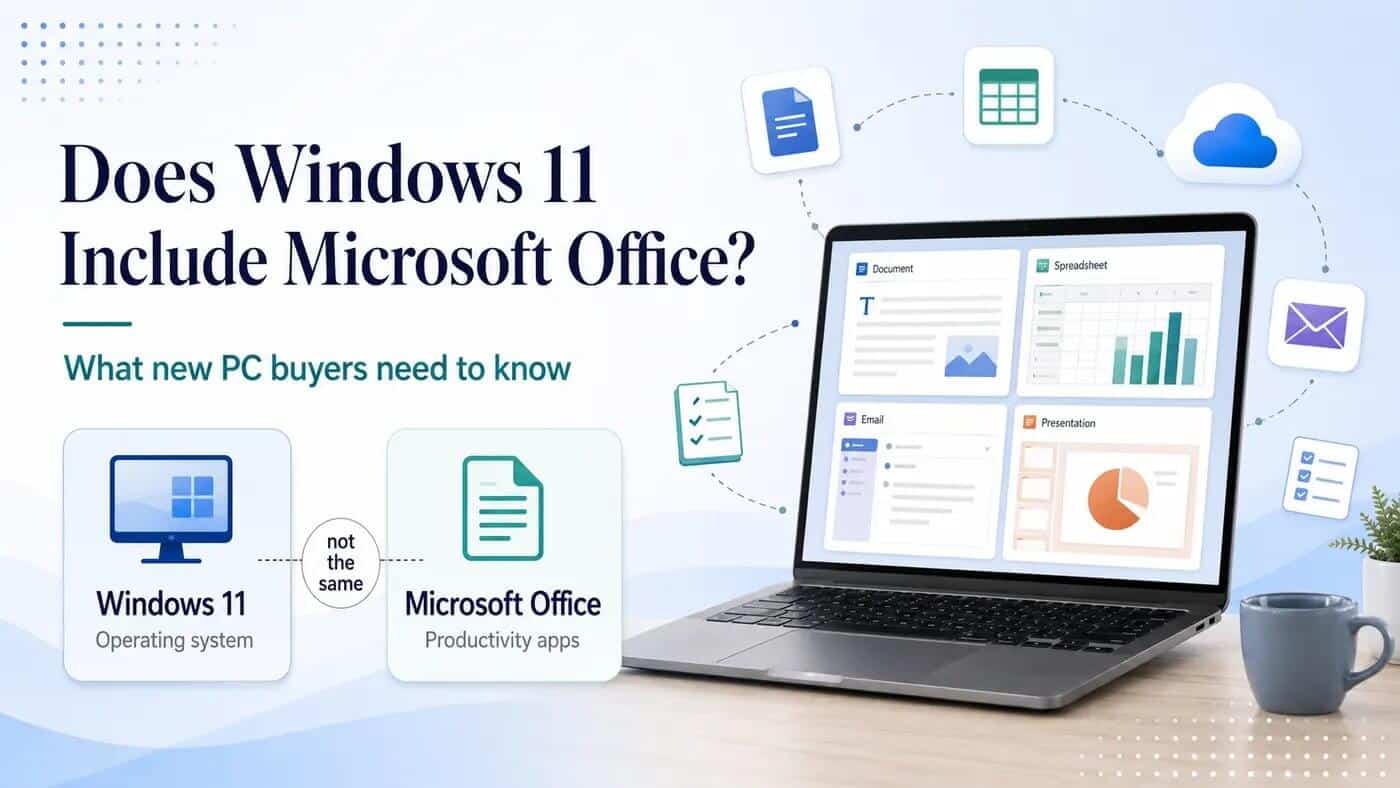
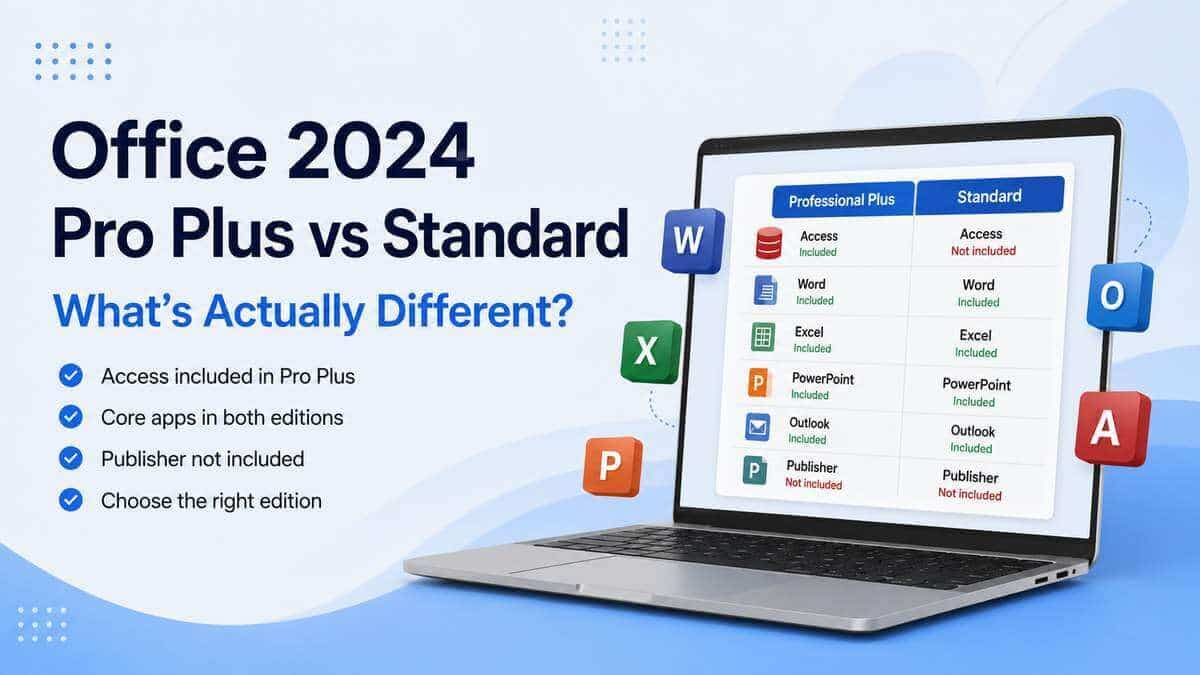
Does this licence include Microsoft Office?
No — this is a Windows operating system licence only. Office is sold separately.