Does a New Windows 11 Laptop Come with Microsoft Office? (2026 UK Guide)
By Adam Smart, Ecokeys Support Engineer — Last updated 25 August 2026
If you've bought a new laptop in the last few months, there's a good chance it's because your old one was still running Windows 10 — and Microsoft stopped supporting that back in October 2025. A lot of people are making the switch to Windows 11 right now, and the same question keeps coming up in our support inbox: "I can see Word and Excel on my new laptop — do I already own Office, or not?"
The honest answer is: probably not, but it's worth two minutes to check before you assume either way.
Windows and Office are two separate products
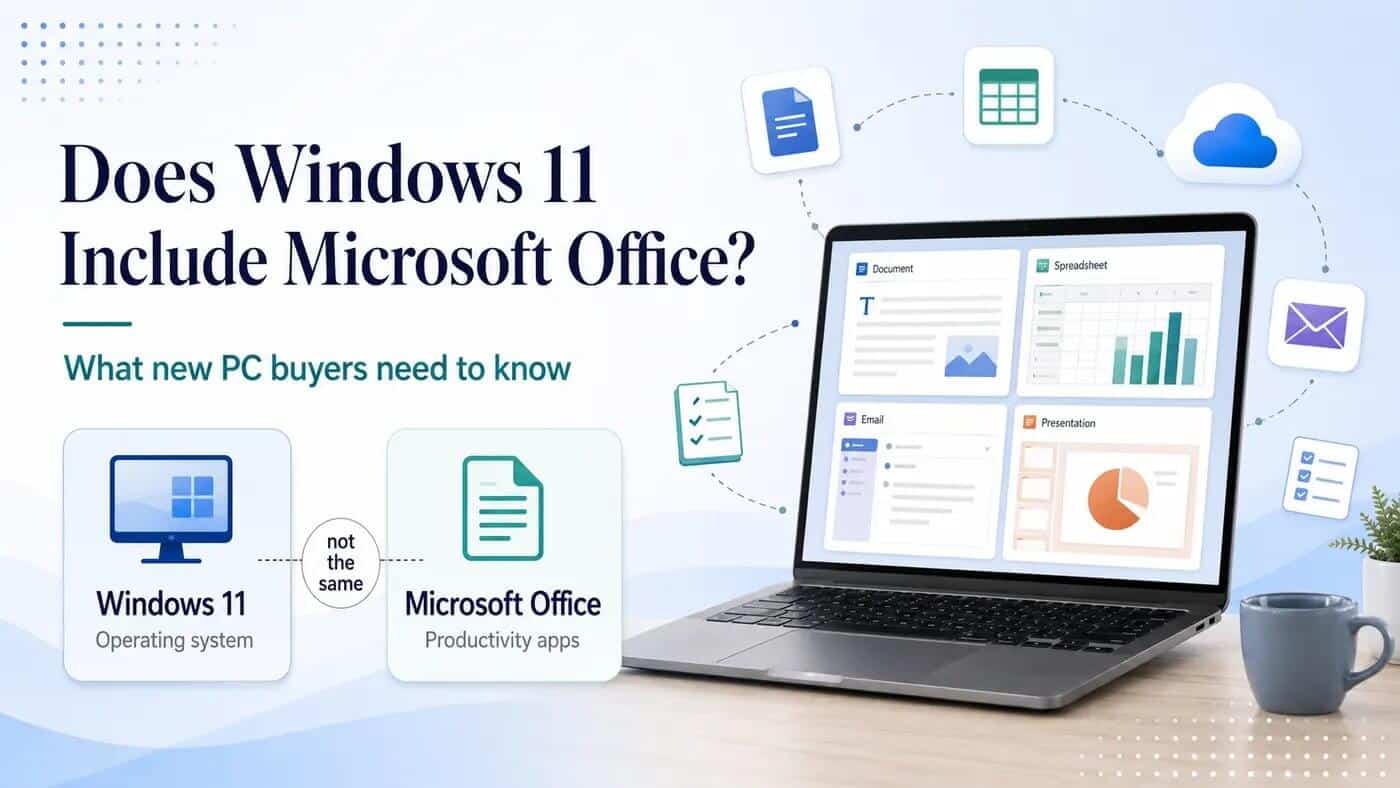
It's an easy mistake to make, because the two have been sold together on shop shelves for so long. But Windows 11 is the operating system — it runs the computer. Microsoft Office — including applications such as Word, Excel, PowerPoint and Outlook — is a completely separate product line, and Microsoft doesn't bundle a permanent Office licence in with Windows itself.
What you're seeing on a new machine is usually one of these:
- A shortcut to the free, browser-based version of Office
- A Microsoft 365 trial or pre-installed Microsoft 365 applications that still require a subscription
- Genuine pre-installed Office apps with a licence, but only if the retailer specifically included Office in the package you bought
That last one is the scenario where a permanent Office licence may genuinely have been supplied with the computer — and it should be stated clearly on the product page or your order confirmation, not just implied by a Word icon sitting on the desktop.
How to actually check what you have
This takes about thirty seconds and it's the most useful place to start.
Open Word or Excel, click File, then Account, and look under Product Information. Depending on the Office version installed, you may see information such as:
- "Product Activated" together with a product name such as Microsoft 365 or an Office edition — indicating that an Office product is activated
- "Unlicensed Product" or "Activation Required" — indicating that the installed applications do not currently have a valid activation on that device
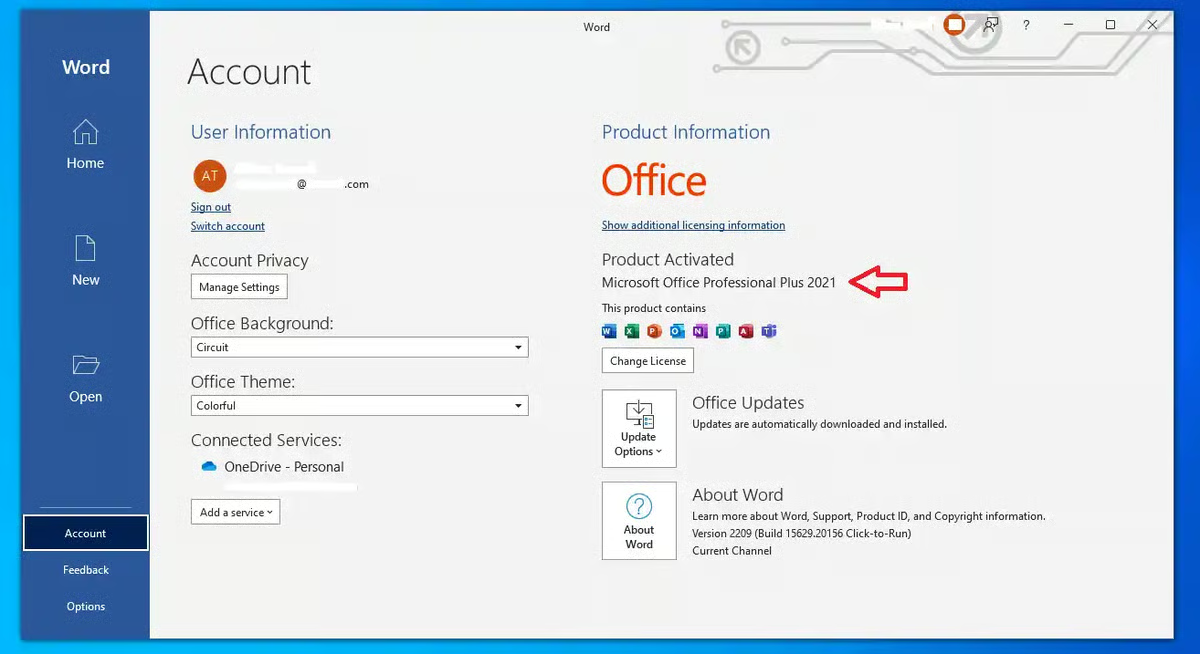
If it says unlicensed, that Word icon on your desktop is essentially just a shop window. Nothing is necessarily wrong with your laptop — the installed Office applications may simply be waiting for a suitable licence or subscription.
While you're at it, dig out the original order confirmation or product listing for the laptop. Retailers who genuinely include Office will usually say so plainly — for example, "Microsoft 365 Personal included for 12 months" or "Office Home 2024 included." Vaguer phrases such as "Microsoft 365 ready" or "includes Office app" do not necessarily mean that a paid Office licence has been included.
Before you buy anything — check your existing Microsoft account
This is the step people often skip, and it can prevent an unnecessary purchase. If you've previously used Microsoft 365 or a Microsoft account linked to an Office purchase, sign in to your Microsoft account and check what products or subscriptions are associated with it.
Office supplied through an employer, school or another organisation may be controlled by that organisation and may stop being available when your eligibility ends. The important point is to check what you already have before buying another licence.
If you're setting up the whole computer rather than just trying to work out whether Office is licensed, our new PC software checklist covers Windows, Microsoft Office, antivirus and the other software worth checking before you buy anything.
So do you actually need to buy Microsoft Office?
Not everyone does. If you're mostly writing the odd letter or checking a spreadsheet, Microsoft's free browser-based Office applications may cover a surprising amount of that — you just need a Microsoft account and an internet connection. It's also worth considering alternatives such as LibreOffice if you want free desktop software and are comfortable with a different interface.
Where the free route starts to fall short is if you work offline regularly, need consistent formatting for business or client work, rely on the desktop version of Outlook, handle larger or more complex spreadsheets, or simply prefer installed desktop applications rather than working primarily through a browser.
If that sounds more like the way you use your computer, you can compare Microsoft Office licences for Windows PCs before deciding which version and edition is appropriate.
If you've established that the computer needs both a Windows licence and desktop Microsoft Office — for example, a new self-build or a PC supplied without the Windows edition you require — you can also compare Windows 11 with Microsoft Office options for the same PC.
Microsoft 365 vs Office 2024 — which one actually fits?
Microsoft 365 — an ongoing subscription with features that vary by plan. It can include use across multiple devices, OneDrive cloud storage, continuous feature updates and other connected Microsoft services.
Office 2024 — a perpetual Office generation purchased without an ongoing Microsoft 365 subscription. The applications, supported devices and licence terms depend on the exact edition purchased, and major new features are not continually added in the same way as Microsoft 365.
If you've decided that a one-time Office purchase suits you better than a subscription, you can compare the available Microsoft Office 2024 editions before choosing a specific product.
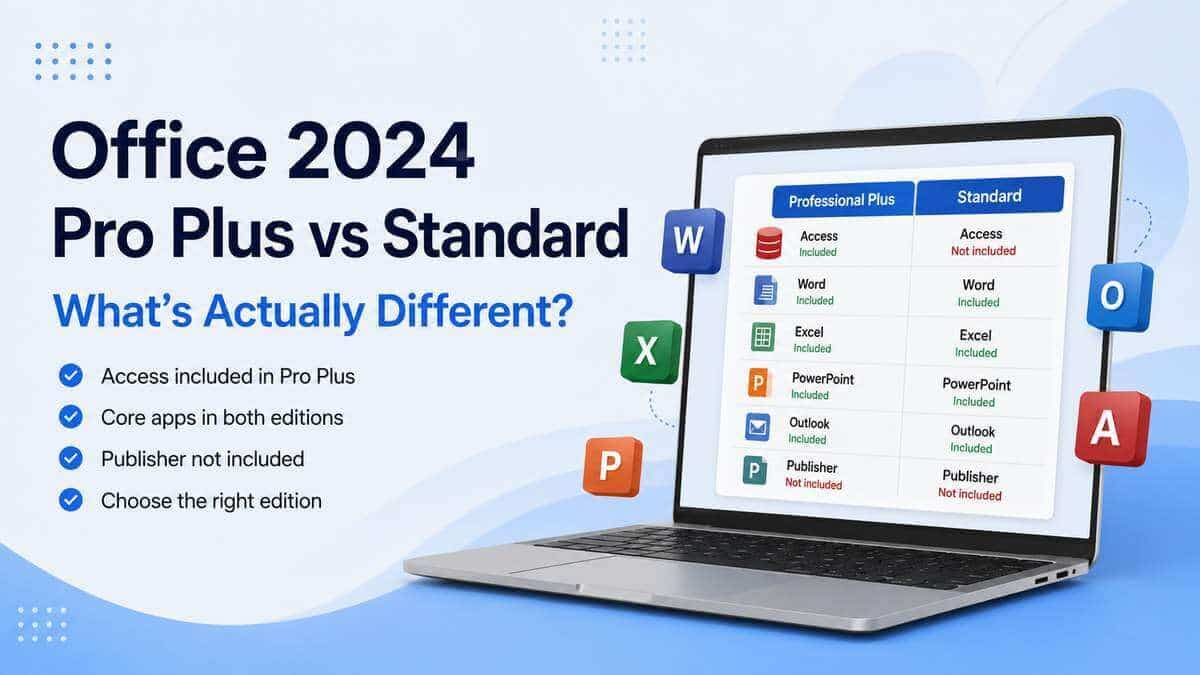
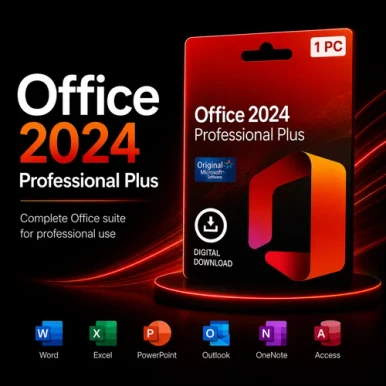
For customers who need the Professional Plus application set, our Microsoft Office 2024 Professional Plus licence for one Windows PC includes Word, Excel, PowerPoint, Outlook, Access and OneNote. We've also written about how Office 2024 compares with Office 2021 if you're weighing up the different generations.
Microsoft Office 2024 Professional Plus Key UK – 1 PC
£18.99
Microsoft Office 2024 Professional Plus Licence Key for 1 Windows PC Buy Microsoft Office 2024 Professional Plus for one compatible Windows PC. This one-time-purchase edition… read more
One thing to sort out first: remove any trial version
If your laptop came with a Microsoft 365 trial or another Office installation pre-installed, it's worth removing conflicting Office installations before installing a replacement. Leftover installations can sometimes result in the wrong Office product opening or create installation and activation confusion.
Go to Settings > Apps > Installed apps, identify the Office or Microsoft 365 installation you no longer need, uninstall it and restart the computer before installing the replacement Office product. Your documents are stored separately from the Office applications, but backing up important files before making software changes is always sensible.
The short version
A new Windows 11 laptop does not automatically mean that you own Microsoft Office. What appears on the computer may be a browser shortcut, Microsoft 365 installation, trial or a genuinely licensed copy supplied separately by the retailer.
Check the Office activation information and your existing Microsoft account before spending anything. If you do need Office, decide whether the free web applications, a Microsoft 365 subscription or a one-time Microsoft Office licence best matches the way you use the computer.
Quick questions
Does Windows 11 Home include Office?
No. Windows 11 Home and Windows 11 Pro do not themselves include a permanent Microsoft Office licence. Office is a separate product.
Why does my new laptop already have Word on it?
Manufacturers may pre-install Microsoft 365 applications, Office shortcuts or trial software. Seeing Word on the computer does not by itself prove that a permanent Office licence was included. Check the product information and the laptop retailer's original description.
Can I transfer my old Office licence to a new laptop?
It depends on the exact Office product and licence terms. Some licences may permit transfer while others are tied to the original device or have different activation conditions. Check the terms of the licence you already own before attempting to move it to another computer.
Is the free web version of Office good enough?
For light use — such as writing an occasional letter or making simple spreadsheet edits — it may be. If you need to work offline, use full desktop applications or handle more complex documents and spreadsheets, a desktop Office licence or Microsoft 365 subscription may be more suitable.